🏁 Your QR code, ready instantly
Create your event in 4 simple steps and get a print-ready QR code. Your guests simply scan it and share all the photos and videos they take during your celebration.

No credit card required to try it
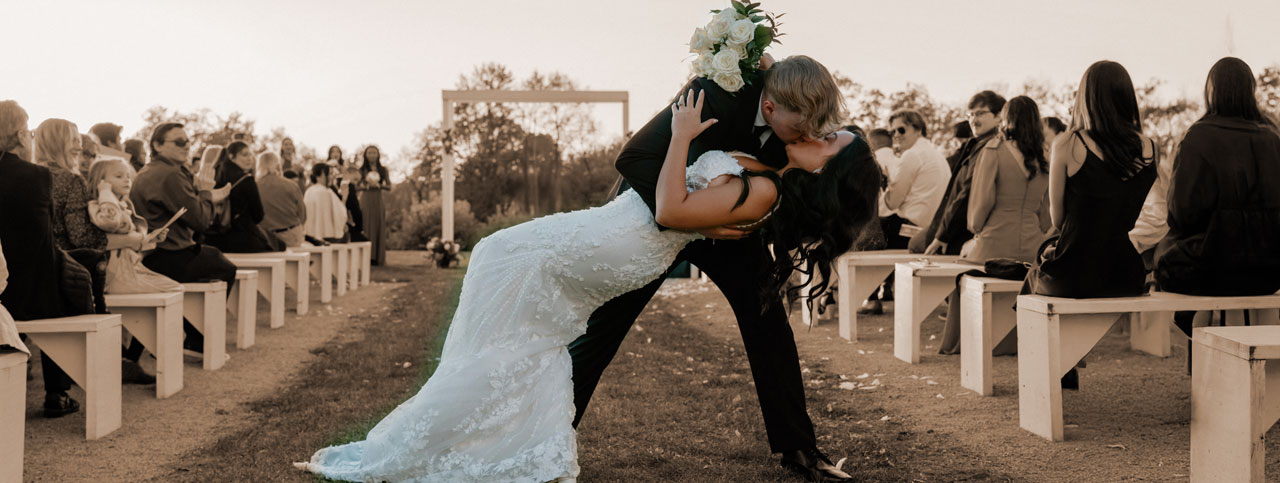
"What a wonderful addition to my wedding! Eventocam let all my guests share their photos in one place. It was super easy to use, and now I have a complete album of memories without having to chase anyone for their photos."

"It was perfect for my son's birthday. Grandparents, aunts, uncles and friends could share videos and photos without downloading an app. Everything worked through their browser."

"I organise networking events and Eventocam helps attendees share their moments instantly. It's great to see the photos in real time and have a shared record of the event."

"At our last family communion celebration, it was amazing to see everyone uploading memories. The cousins who travelled from far away could share their photos easily, and we have a beautiful digital album."

"It was a perfect solution for our company afterwork event. Everyone could upload photos easily, and password access gave us privacy."

"At the concert we organised, Eventocam was key to capturing moments from different angles. Fans could instantly share their best shots."

Create your event in 4 simple steps and get a print-ready QR code. Your guests simply scan it and share all the photos and videos they take during your celebration.
Keep all your photos and videos in an online gallery available to you and your guests. You can protect it with a password and share it with anyone you choose.
Your guests can upload the photos and videos they take with their smartphones in real time. Everything is collected in a gallery exclusively for you.
Generate a unique QR code for your wedding and print it wherever you like. Turn your guests into the best photographers!
Once the big event begins, your guests have up to 30 days to upload photos and videos at their own pace, without any worries.
Create your wedding event and follow 4 steps to complete the setup. In less than 1 minute, everything is ready for uploads!
Choose what you want to keep in your gallery: photos and videos to remember for a lifetime.
Whenever you want, you can download a compressed ZIP file containing everything in its original resolution.
Add your names, wedding date and a background that reflects your style. Your gallery will be ready to collect your guests’ memories.
Download your event’s QR code and place it on the tables or at the entrance. Guests scan it and share their photos without installing an app.
Bring your memories to the big screen. Show your guests’ photos and videos during the celebration and make everyone part of the moment.
Group photos and videos with tags such as ceremony, reception or party. Find every moment and organize your gallery your way.
Save all your photos and videos in a ZIP file at their original resolution. Download your memories from the gallery and keep your own copy.
No. They simply scan your wedding QR code and open the link in their phone’s browser. From there, they can upload photos and videos to your gallery without installing an app. You can print the QR code for your tables, welcome sign or photo booth.
Yes. You can create the event with your names and wedding date, personalise the background and download the QR code to prepare your signs in advance. Check the start date you have set so that photo uploads are available for your celebration.
You can protect the gallery with a password and share access with your guests. Avoid posting the QR code or password on public social media. You can also moderate the content to decide which photos and videos appear in the gallery.
Open your event’s slideshow on a computer connected to a screen or projector with Internet access. You can then show the gallery’s photos and videos during the wedding. We recommend testing the connection and projection before your guests arrive.
Yes. You can download your gallery’s photos and videos in a ZIP file at their original resolution. Storage time depends on your plan, so download your copy before that period ends to keep your own collection of memories.